



lrg.jpg&w=480&q=75)
lrg.jpg&w=480&q=75)
lrg.jpg&w=480&q=75)
lrg.jpg&w=480&q=75)


lrg_1.jpg&w=480&q=75)
Adjust System Components

Why Choose This PC?
- Low-to-medium budget option for home and office
- Efficient for browsing, documents, and daily tasks
- Good memory size for demanding applications
- Budget storage option
- 3 years warranty, unlimited support
Need Help?
Updated Price
$1,639.00Financing Options
Share Your Build
Magic 13th Gen Intel i9 Explorer
Introduction
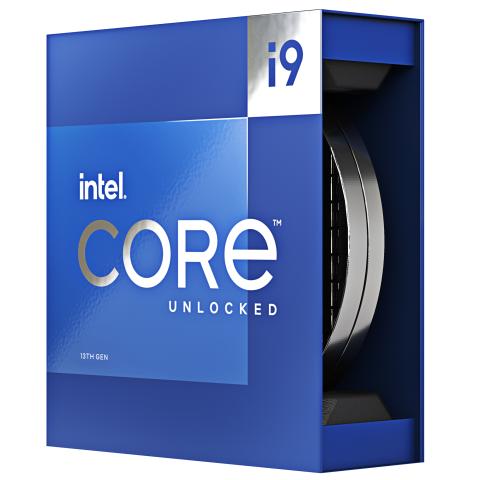
A practical desktop should spend money where the owner will actually notice it. The Magic 13th Gen Intel i9 Explorer uses the Intel i9-13900k Raptor Lake 3.0GHz 24-Core with CPU-integrated graphics to create a straightforward platform for productivity, school, communication, media, and everyday multitasking. It is aimed at buyers who want a serviceable Windows desktop with useful performance and an upgrade path rather than paying for gaming hardware they may never use.
Chassis / Design
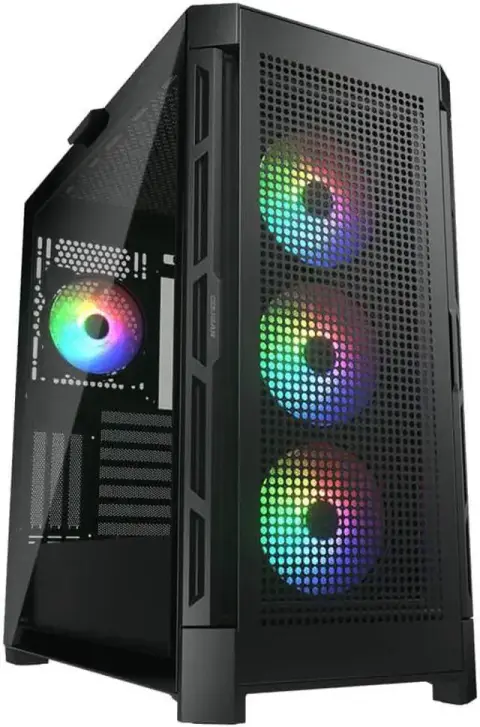
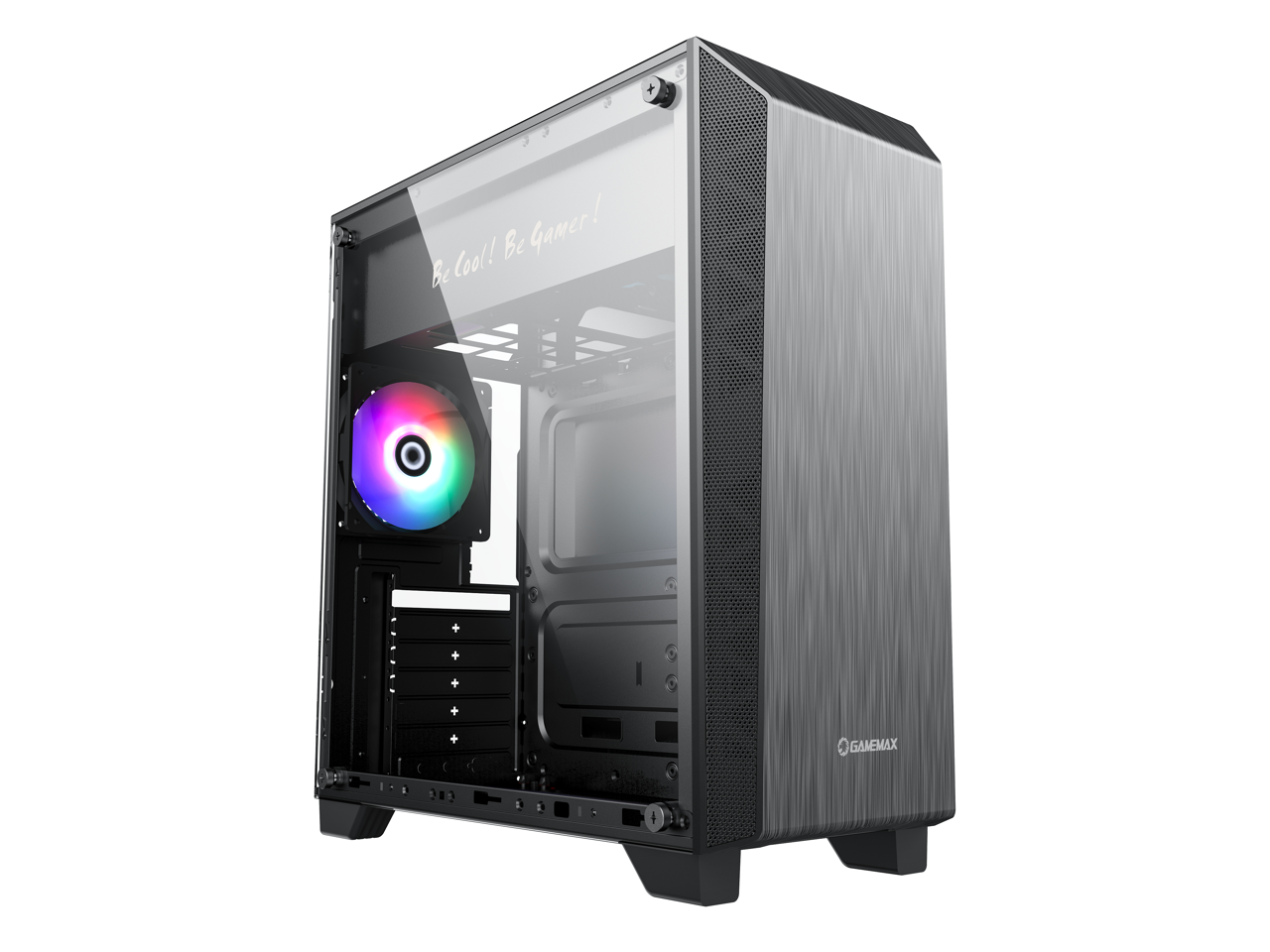
The source configuration does not expose a separate chassis selection for this product. The description therefore focuses on the confirmed platform and avoids inventing enclosure features. For buyers, the important point is that the system should be evaluated from the listed components and intended role rather than assumptions about case styling.
Performance
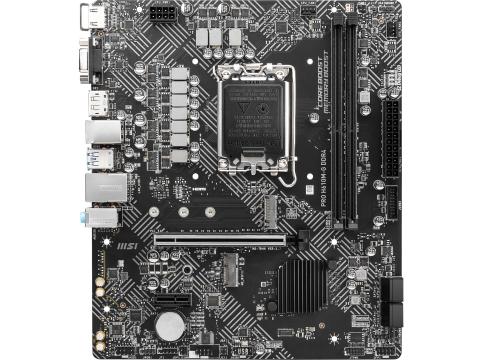
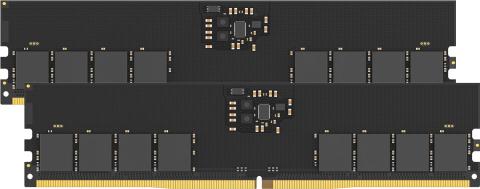
The Intel i9-13900k Raptor Lake 3.0GHz 24-Core is the center of this configuration, with CPU-integrated graphics covering display and lighter graphics needs. DDR4 16GB (2x8GB) 3200MHz Dual-Channel supports ordinary multitasking, while 512GB NVMe SSD keeps Windows, applications, and frequently used files responsive. The purchasing logic is efficiency: put the budget into CPU, memory, storage, and platform quality, then add discrete graphics later only if the workload actually changes. For office work, school, remote meetings, browsing, development, media, and many business applications, that can be a more sensible allocation than paying for a gaming GPU on day one.
A Sensible Ownership Path
Many buyers keep a desktop through several Windows updates, application revisions, and changes in how the machine is used. A standard serviceable PC platform has value because memory, storage, graphics, and peripherals can be changed independently instead of forcing the owner to replace the entire computer. This configuration starts with the capabilities needed for its intended everyday role while leaving room to respond later if a larger storage library, more memory, or dedicated graphics becomes important.
Recommended Games
Gaming is not the main reason to buy this configuration, but these titles are sensible examples for its graphics tier:
- Valorant
- League of Legends
- Minecraft
- Roblox
- Rocket League
- indie and casual titles
Recommended Applications
The configuration is well matched to applications in the following group, depending on the user's actual workflow and project size:
- Adobe Photoshop
- DaVinci Resolve
- OBS Studio
- Blender
- Visual Studio Code
- Microsoft 365
- Chrome / Edge
- Discord
Key Advantages
- Budget focused on useful everyday performance
- Current CPU platform with serviceable desktop components
- Fast NVMe storage
- Appropriate integrated or entry graphics for the intended role
- Straightforward path to add memory, storage, or graphics later
- Practical fit for home, office, education, and business use
Ideal Users
- Home-office users
- Business desktops
- Students and educators
- Software developers
- General productivity users
- Buyers who may add a graphics card later
Long-Term Ownership
A desktop purchase should also be considered over several years rather than only on the day it is ordered. The Intel i9-13900k Raptor Lake 3.0GHz 24-Core platform, DDR4 16GB (2x8GB) 3200MHz Dual-Channel, and 512GB NVMe SSD define the starting point, but the usefulness of a standard PC is that storage, memory, peripherals, and—where the platform allows it—graphics can be changed independently. That serviceability can extend the practical life of the system because the owner can respond to a larger game library, heavier projects, a new monitor, or changing software requirements without automatically replacing the entire computer. For buyers comparing a desktop with a tightly integrated device, that flexibility is part of the value proposition.
Buying Perspective
Specifications matter most when they solve a real problem for the owner. The right way to evaluate this system is to compare the confirmed component mix with the applications, games, displays, storage needs, and upgrade plans that will actually be used. A well-matched configuration can remain satisfying longer than a more expensive machine whose budget was concentrated in hardware that does not affect the buyer's daily workload. That practical fit is the reason the complete platform—not just the processor or graphics-card name—deserves attention.
Bottom Line
Bottom line: this is for the buyer who wants a capable desktop without paying for gaming hardware that may never be used. The Intel i9-13900k Raptor Lake 3.0GHz 24-Core and CPU-integrated graphics cover everyday computing, business, school, development, and media work in a straightforward platform. It is an especially sensible choice when reliability, serviceability, and useful CPU performance matter more than visual effects or maximum 3D frame rates.
Reviews
- No reviews yet. Be the first to write one!
Frequently Asked Questions (FAQ)
Can a second graphics card be added?
Possibly. A second graphics card cannot be approved from PCIe slot count alone. It must also fit the motherboard slot spacing and case, avoid interference with the bottom of the case or power-supply shroud and other installed cards, and be supported by the power supply and its connectors. Please check with customer service because the answer depends in part on the exact graphics-card model available to us at the time of order.
Can the graphics card be upgraded later?
Yes. The graphics card can be upgraded later. A more powerful graphics card may also require a power-supply upgrade to provide sufficient wattage and the required power connectors. Compatibility with a particular card also depends on its physical size, cooling requirements, and the rest of the installed configuration. Customer service can confirm compatibility with the specific graphics card you are considering.
Which memory brand and exact model will I receive?
We may use memory from different manufacturers and model lines. The installed memory will have the listed capacity and the listed speed or better, but the brand and exact module model may vary. Customer service can confirm the exact memory available to us at the time of order.
Which SSD brand and exact model will I receive?
When an exact SSD model is not specified in the configuration, we may use different manufacturers and models that meet the listed storage specifications or better. Customer service can confirm the exact model available to us at the time of order.
Would a more powerful graphics card require a power-supply upgrade?
It depends on the replacement graphics card. Some upgrades can use the installed power supply, while higher-power cards may require a power-supply upgrade or different power connectors. Customer service can confirm this for the specific graphics card being considered.